Reach shoppers during their search
People often start with a sport or a need rather than a model name. Categories and search let your products become part of that choice.
 Group
GroupFor sports retailers
Reach people choosing sports equipment, from their first search to a specific product. Zoneo gives your e-shop an additional route to customers, using the product data you already work with.
Why join Zoneo
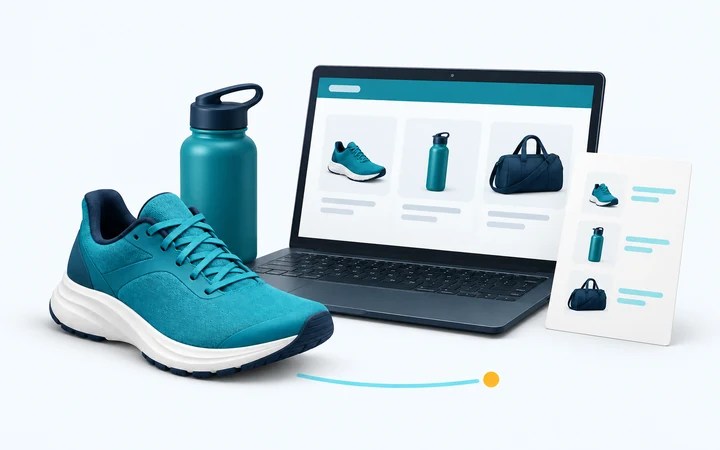
Add a sports-focused channel to your e-shop’s existing presence. Help people discover your range while they work out what to buy.
People often start with a sport or a need rather than a model name. Categories and search let your products become part of that choice.
Price, availability and product details help shoppers assess your range. The information in your feed gives them more to work with than a product name alone.
Shoppers follow the selected offer to its product page on your website. Your shop takes care of the purchase and builds the customer relationship.
Already exporting products to Jeftinije.hr in Croatia, Ceneje.si in Slovenia, Árukereső.hu in Hungary or Heureka in Slovakia and Czechia? We will check your feed’s technical format and data. Zoneo accepts Google Merchant RSS/Atom, Zoneo XML, Árukereső.hu XML and Heureka XML. Any adjustments depend on the format and content of your existing export.
Review the product data read from your feed and the results of processing. Recommendations help you fill in missing details and prepare your offers for the catalogue.
Talk to our teamCPC
In markets with a CPC programme, you get the following benefits. See your market’s merchant page for current rates, billing terms and availability.
Each valid click is priced according to the offer’s price band and the current price list. There is no auction to bid in.
CPC charges come from valid clicks to your e-shop. There is no entry fee or monthly subscription for this programme.
Clicks identified as invalid, test or duplicate traffic under the programme’s rules are excluded from charges.
Set an optional spending limit and follow its usage in the Partner Centre. Further paid clicks pause once it is reached. A campaign starts without your own monthly limit.
The Partner Centre shows the product, click source, applied rate, validity and cost. Export reports for your own analysis.
Where conversion measurement is available, a connection to your shop can add order and revenue data to the reports. This is optional and requires setup.
How Zoneo works
Check the local merchant page for the programme and terms. Our team can help you explore the markets you want to reach.
Tell us about your range and add the company and billing details needed for cooperation.
Add a supported feed URL and review the product data with the feedback from processing.
We review the shop and feed, then confirm the applicable terms and activation steps with you.
Our markets
Product ranges and merchant programmes vary by market. Each local merchant page explains the available ways to join.
 EUR
EURzoneo.sk
143,155 offers in the catalogue
Merchant information CZK
CZKzoneo.cz
162,414 offers in the catalogue
Merchant information HUF
HUFzoneo.hu
31,118 offers in the catalogue
Merchant information PLN
PLNizoneo.pl
10,081 offers in the catalogue
Merchant information EUR
EURizoneo.de
425 offers in the catalogue
Merchant information EUR
EURzoneo.at
609 offers in the catalogue
Merchant information EUR
EURzoneo.it
233 offers in the catalogue
Merchant information CHF
CHFzoneo.ch
212 offers in the catalogue
Merchant information SEK
SEKzoneo.se
211 offers in the catalogue
Merchant information EUR
EURzoneo.gr
212 offers in the catalogue
Merchant information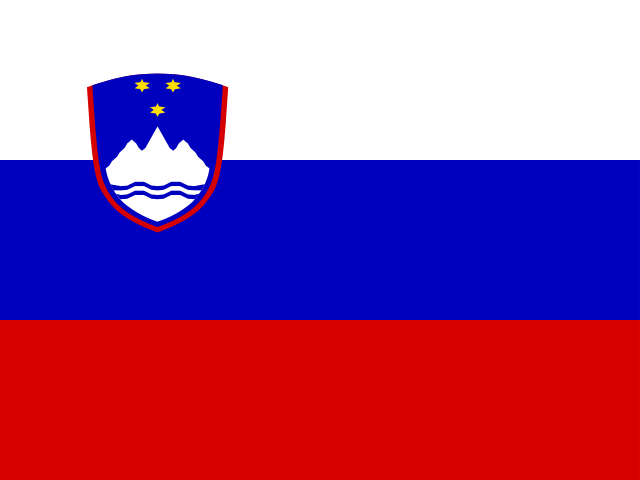 EUR
EURzoneo.si
62,995 offers in the catalogue
Merchant information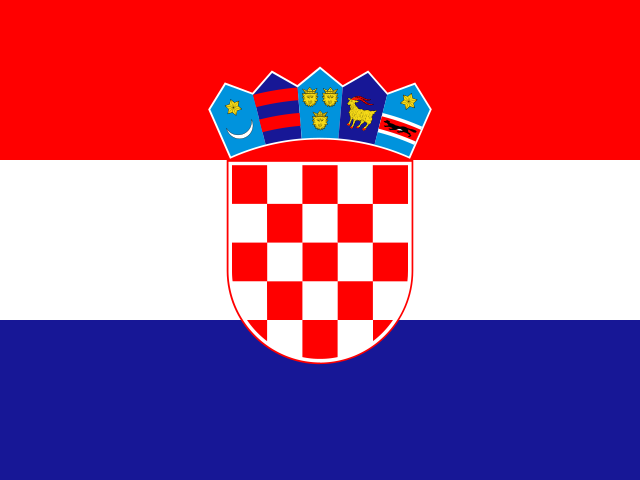 EUR
EURzoneo.hr
68,745 offers in the catalogue
Merchant information RON
RONzoneo.ro
12,752 offers in the catalogue
Merchant information EUR
EURzoneo.bg
8,245 offers in the catalogue
Merchant information GBP
GBPizoneo.co.uk
250 offers in the catalogue
Merchant information EUR
EURzoneo.fi
205 offers in the catalogue
Merchant information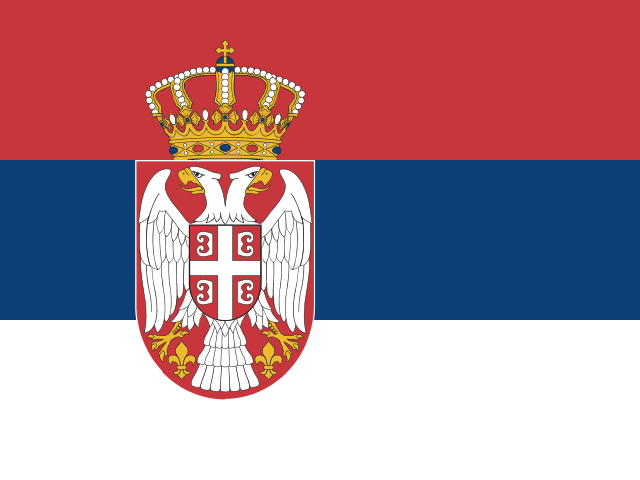 RSD
RSDzoneo.rs
205 offers in the catalogue
Merchant information EUR
EURizoneo.fr
205 offers in the catalogue
Merchant information EUR
EURzoneo.pt
205 offers in the catalogue
Merchant information UAH
UAHzoneo.com.ua
225 offers in the catalogue
Merchant information32selected shops
Here is a selection of shops represented in our catalogues. Open a profile to get to know the shop and explore its offers.
 SlovakiaView shop
 SlovakiaView shop
 SlovakiaView shop
 SlovakiaView shop
 SlovakiaView shop
 SlovakiaView shop
 SlovakiaView shop
 SlovakiaView shop
 SlovakiaView shop
 SlovakiaView shop
 SlovakiaView shop
 SlovakiaView shop
 CzechiaView shop
 CzechiaView shop
 CzechiaView shop
 CzechiaView shop
 CzechiaView shop
 CzechiaView shop
 CzechiaView shop
 CzechiaView shop
 CzechiaView shop
 CzechiaView shop
 CzechiaView shop
 CzechiaView shop
 HungaryView shop
 HungaryView shop
 HungaryView shop
 HungaryView shop
 HungaryView shop
 HungaryView shop
 HungaryView shop
 HungaryView shop
For sports retailers
Your e-shop’s address, the market you want to reach and a supported product feed. Start on the local merchant page or contact our team to discuss your range and the available programme.
Yes, if it uses a supported format: Google Merchant RSS/Atom, Zoneo XML, Árukereső.hu XML or Heureka XML. For an export used with Jeftinije.hr or Ceneje.si, we first check its technical format and contents. The comparator’s name alone does not establish compatibility.
Paid clicks start after your shop and product data have been reviewed, you have accepted the applicable terms and the activation steps are complete. Creating an account alone does not start paid clicks.
The current price list assigns a click rate to each product price band, without an auction. The CPC programme has no entry or monthly fee. Your market’s merchant page provides the rates and billing terms.
You can set your own monthly limit and monitor it in the Partner Centre. The campaign starts without one. Once a set limit is reached, further paid clicks pause. The final click is charged at its full rate and can take spending above the limit.
In the CPC programme, the Partner Centre provides click and cost reports. Links to your shop also carry UTM tags and a click identifier for your own analytics. Where available, optional conversion measurement adds order and revenue data after you connect your shop.
Tell us which countries you want to reach so we can discuss the options. Programmes, onboarding and commercial terms vary by market. A presence on one local website does not automatically add your shop to the others.
Choose a market to see how joining works, or talk to our team about your e-shop. We will help you understand the available options and the next step.